
We’re excited to share that this year’s yearbook will be made with TreeRing—a platform we chose for its quality, fun features, and ease of use. Here’s how to get started:
1) Order on TreeRing (not the HVPFO site):
Order directly on TreeRing so your child’s book is delivered to their classroom and so you can customize it.
- Order link: https://www.treering.com/purchase?PassCode=1017543291291383
- HVE Passcode: 1017543291291383
2) Price, Early-bird Savings & Deadlines:
- $42 per book
- 10% off if you order by October 31
- Yearbook with custom pages deadline: April 10
- Standard yearbook deadline: May 1
3) Free Custom Pages for your Child:
- Every purchase includes 2 free custom pages (one spread) you design—add photos, milestones, and memories. Need more? Add extra pages for $2.99 per spread.
- There are templates to choose from for the custom pages.
- Custom pages deadline: APRIL 10 (no exceptions).
- Pro tip: Finish early—lots of families log in near the deadline so completing your pages early can help avoid potential technical issues.
4) Share Photos with the Yearbook Team:
- Here’s the link to our school photo folders: https://web.treering.com/school/259628/2025/school-content/school-photos
- Download the TreeRing app to easily upload photos to our school’s organized folders by event, date, or theme.
- Small-group photos work best (not solo shots or full-class photos). The more you share, the better the book!
- When you upload photos you can tag people and add keywords to help the Yearbook Team!
5) Here’s an instructional video on how to purchase a yearbook and how to customize pages!
Harbor View- Purchasing Books + Custom Pages
If you have questions or need help, we’re here for you—please reach out to the PFO hvpfo@hvpfo.org anytime.
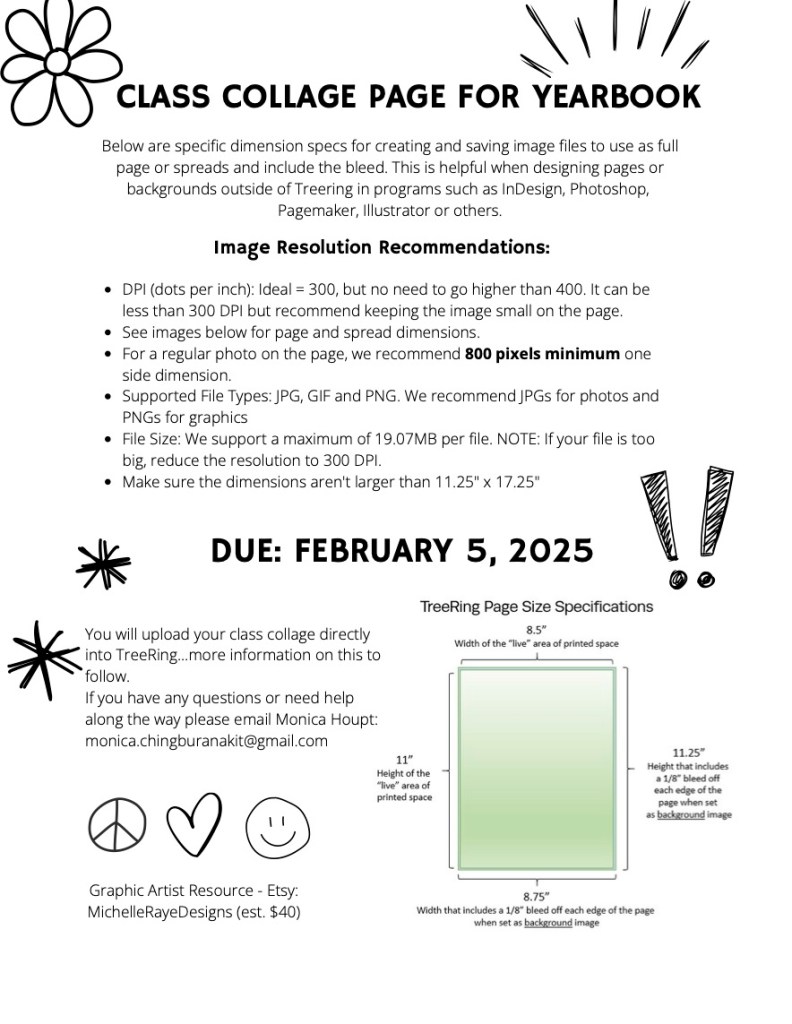
For room parents, class collage pages are due FEB 5, 2026.
 hvpfo.org